
Understanding DeskPhone and SoftPhone Calling
Mobile Connect for Amazon Connect offers two primary ways to handle voice calls: SoftPhone (internet calling) and DeskPhone (cellular network calling). These options allow flexibility depending on your network quality and work environment.
What is SoftPhone and how does it work?#
SoftPhone allows the user to make telephone calls over the internet. It offers a low-latency and high-quality voice connection. However, this requires a stable WiFI or 4G/5G connection.
What is DeskPhone and how does it work?#
DeskPhone is the traditional telephone network — it uses your mobile phone’s SIM card and carrier network to make voice calls.
Using DeskPhone with Mobile Connect#
In Mobile Connect, DeskPhone can be used as an alternative phone method to SoftPhone when you experience internet or connection difficulties. When switching, please note that there might be different behavior for your outbound calls. Your user experience for inbound calls will remain the same.
Different for outbound calls with Deskphone:
- You initiate the call from the Mobile Connect app.
- Amazon Connect first calls you to your mobile phone via PSTN. Regardless of who you're calling, you'll always see the same number calling you.
- Once you answer the incoming call, it connects the call to the customer or recipient using Amazon Connect routing logic.
In Mobile Connect, DeskPhone is used as an alternative to SoftPhone, which routes calls over the internet.
How to switch?#
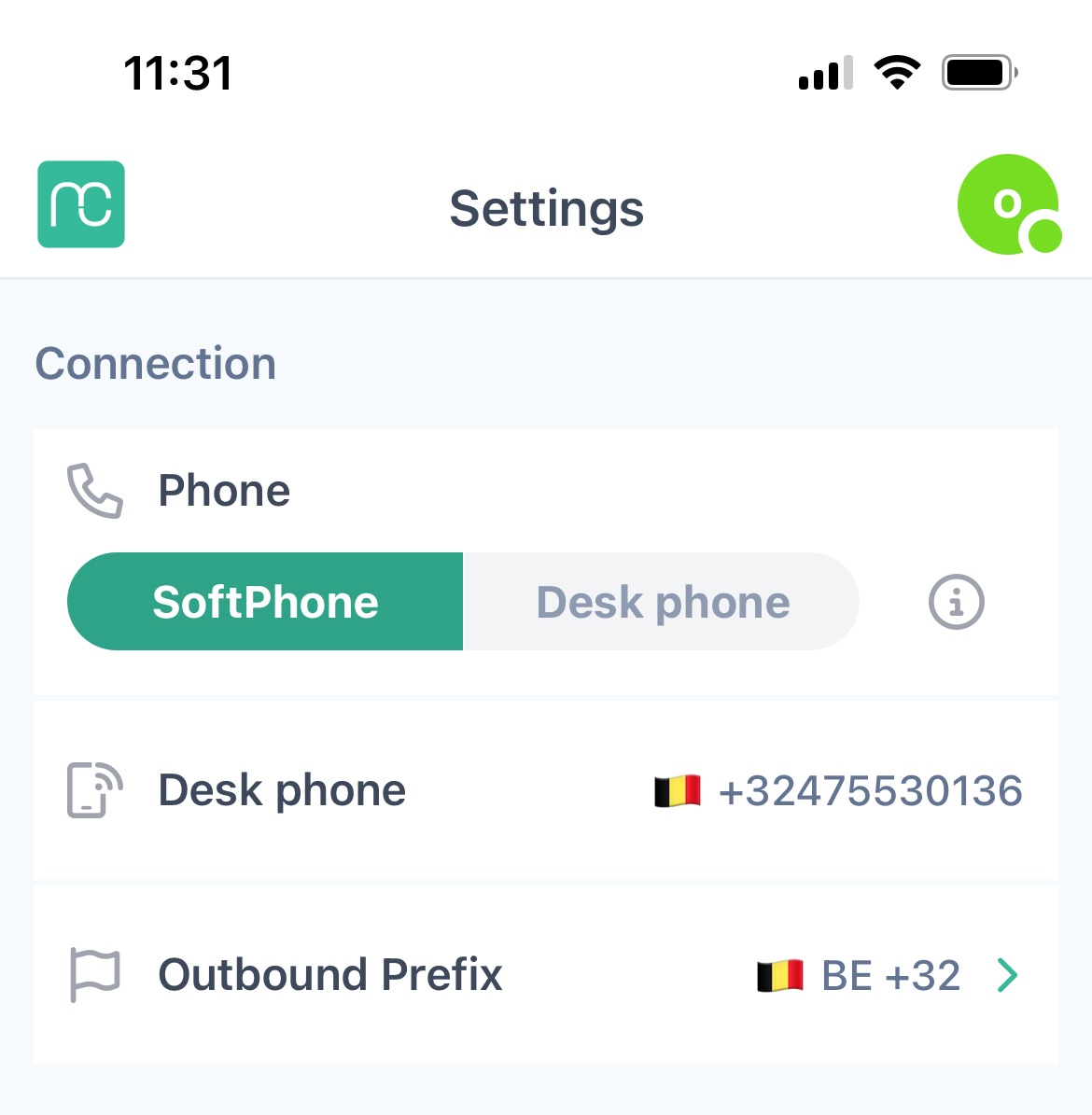
-
Look for the option labeled Phone.
-
Toggle the setting to switch from SoftPhone to DeskPhone.
To use the DeskPhone calling feature in the Mobile Connect for Amazon Connect, you need to have a valid external phone number (typically your mobile number) configured in the app settings.
Note:This means even though you're talking over the cellular network, Amazon Connect still controls routing, recording (if configured), and call logging.