
How to set up the SSO / Identity Management configuration
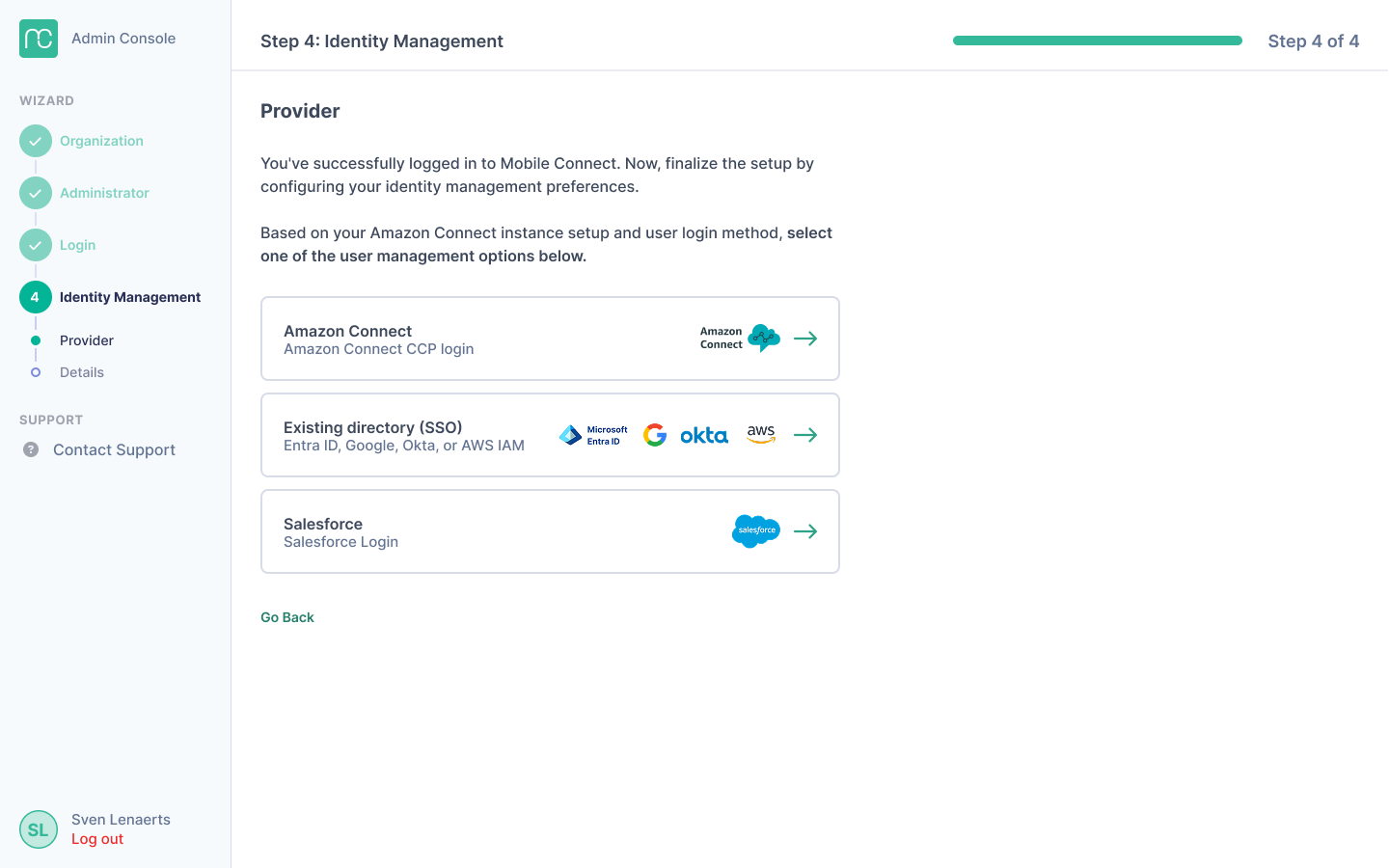
During your setup or when you want to change SSO providers, you'll need to setup the identity management that will enforce how users can login to the Mobile App of Mobile Connect. Please make sure to use the same identity management as you use for Amazon Connect CCP.
Once you have selected your preferred option, follow the steps of the procedure in which you will be asked to provide your Amazon Connect instance details and - if required - the details of your identity management setup.
For Amazon Connect
We support Amazon Connect identity management by default. For other identity providers, choose the appropriate setup option.
For Azure/Entra ID, Okta, Google Workspace, or AWS IAM Identity Center:
- Select "Existing director (SSO)" during the identity management provider step. Follow the SSO instructions in the admin console and the relevant documentation below
For Salesforce:
- Select "Start Salesforce setup" during the identity management provider step. Follow the SSO instructions in the admin console and the relevant documentation below
If you have any issues, you can contact our SSO support team at mc.notifications@idealsystems.be.