
Recents
The Recents page in Mobile Connect for Amazon Connect gives you a quick overview of your recent activity, including inbound, outbound, and missed calls. Each entry includes the caller’s name (if available), number, time of call, and call direction. This page also includes your ability to change your Status.
1. Setting your Status#
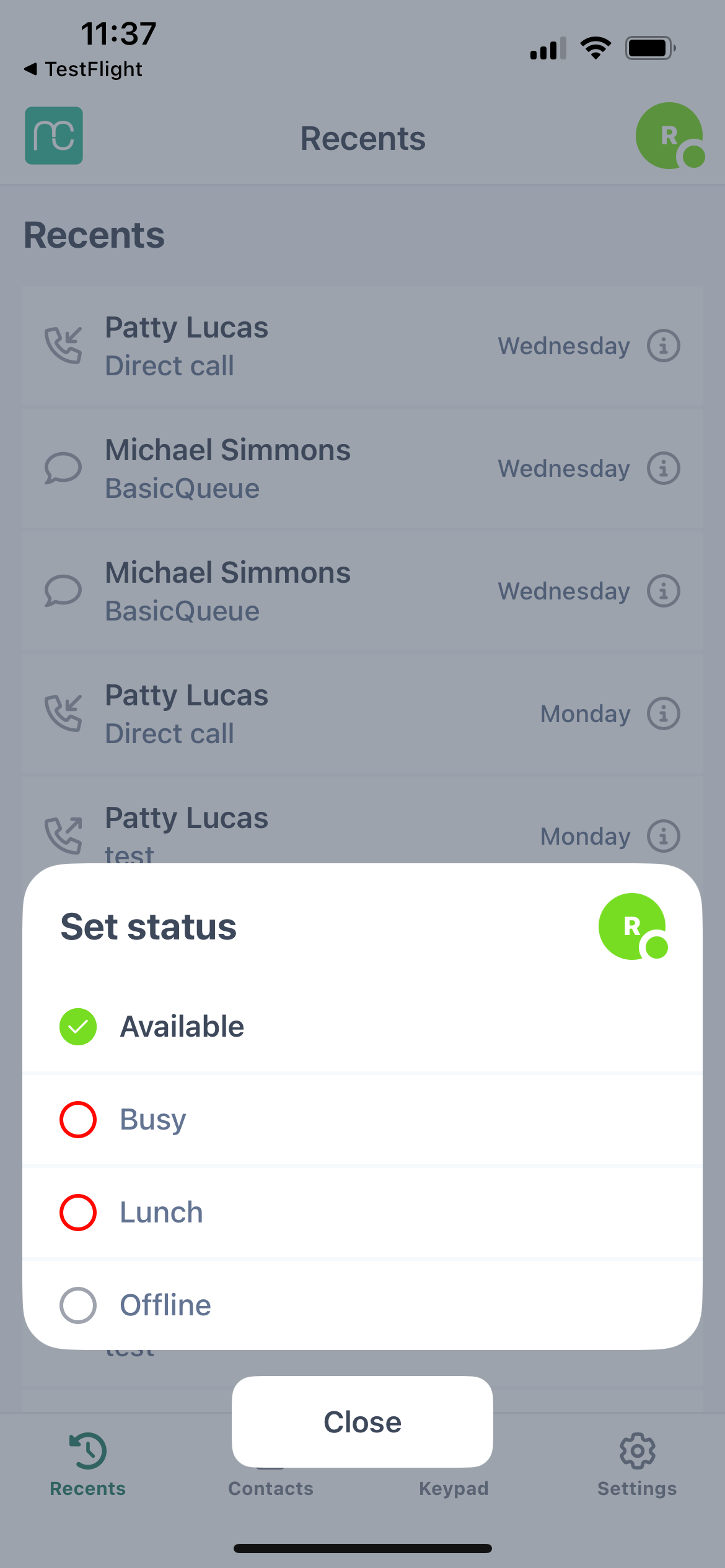
- Tap your profile icon to change your status
- Set your status (Available, Away, Busy, etc.)
- Within the status option, you can also find an option to Logout
- Remember your status syncs in real-time across Amazon Connect desktop and Mobile Connect
2. View All Ongoing and Recent Interactions#
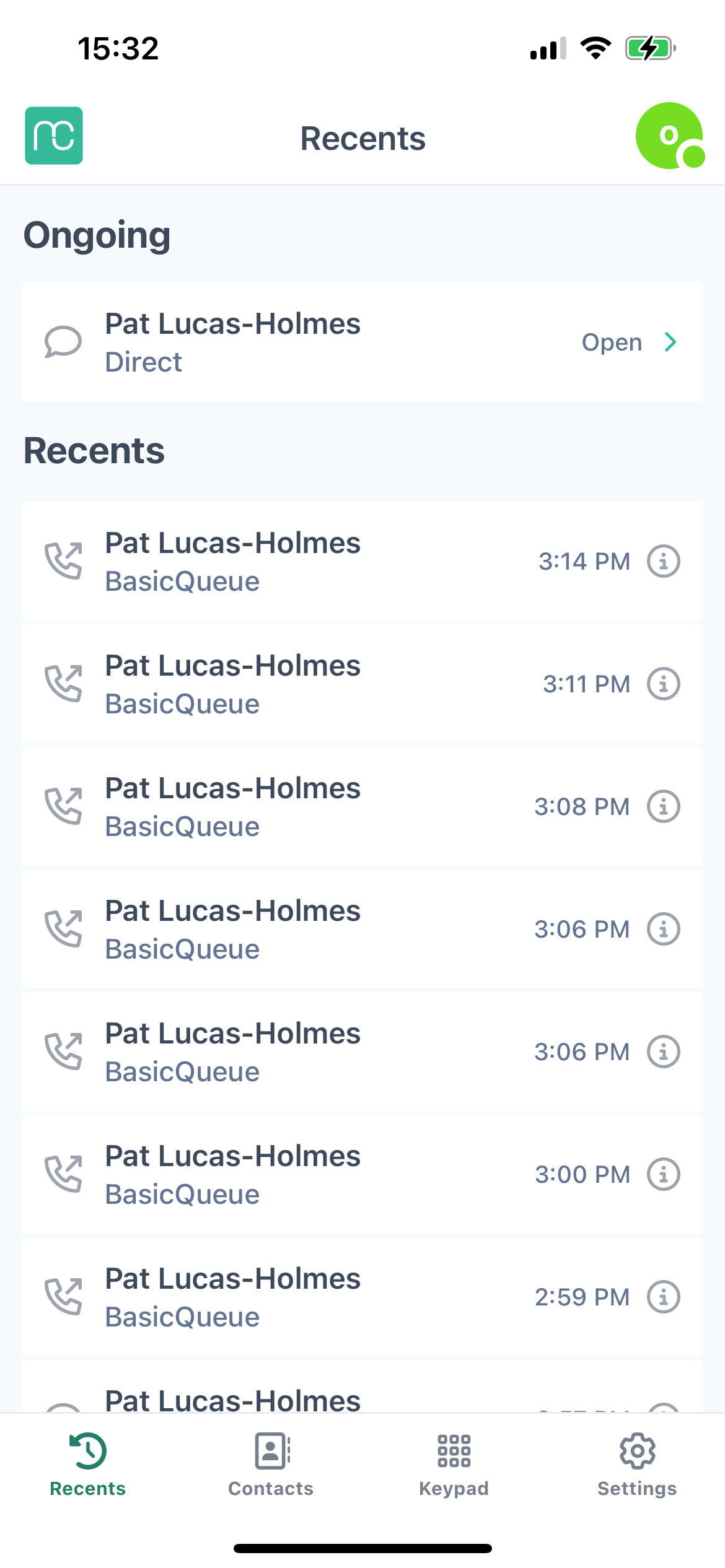
On this page, you can view all your ongoing and recent interactions, including Voice and incoming SMS.
In the Recents page, you can make an Outbound Call. Simply tap on a recent interaction with a caller from the list.
3. Interactions#
3.1 How to access Interaction Details:#
-
Navigate to your Recents screen.
-
Find the call or interaction you want to review.
-
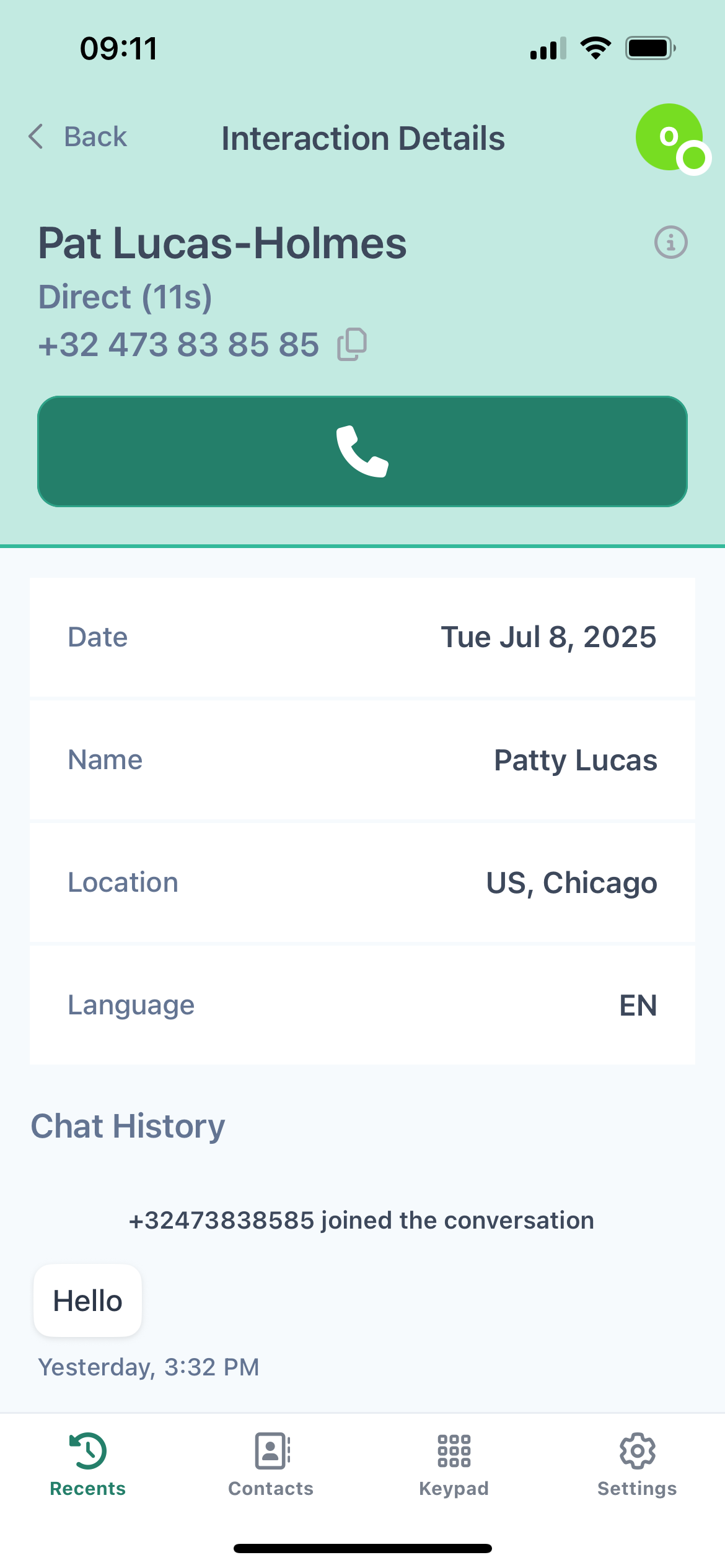
Tap the “Info ℹ” button next to the call. This opens the Interaction Details page, where you can:
Listen to the call recording
-
Review SMS interaction
Tip: If enabled, you can interact via SMS as a recipient. When you receive an incoming SMS, you are able to reply back but not start a new SMS interaction.
-
(see article LINK: Calls/Send SMS/Whatsapp)