
General
Feature
Updated:January 28, 2026
Keypad
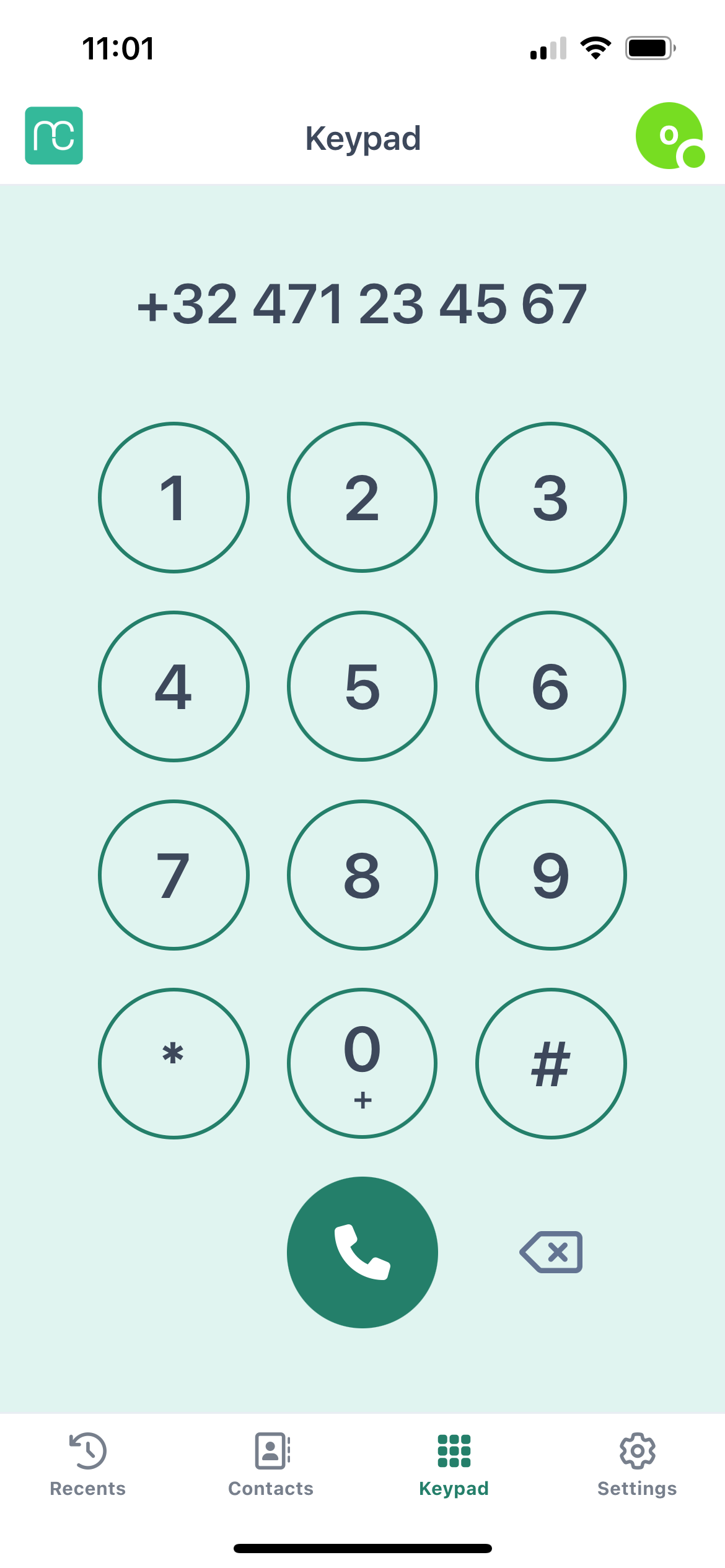
The Keypad in Mobile Connect lets you quickly make outbound calls by manually entering a phone number — perfect for cases where a contact isn't saved or listed in your directories.
1. How to make a call#
- Open the Keypad screen.
- Enter the number you want to call.
- Tap the Call button (green phone icon) to start your call.
Tips:#
- Before making a call, make sure your default queue is correctly set in the app settings. This defines the number that will be shown to the person you're calling.
- Any number dialed using the keypad is automatically saved under Recents for quick redial.