General
Configurations
Updated:January 28, 2026
What is External Login in Mobile Office?
What is external login?#
Mobile Office supports external login authentication, which redirects users to their device's default browser (such as Microsoft Edge or Chrome) instead of using Mobile Office built-in browser. This approach enables organizations to leverage additional conditional access policies and device compliance controls, for example via Microsoft Intune.
How to use external login?#
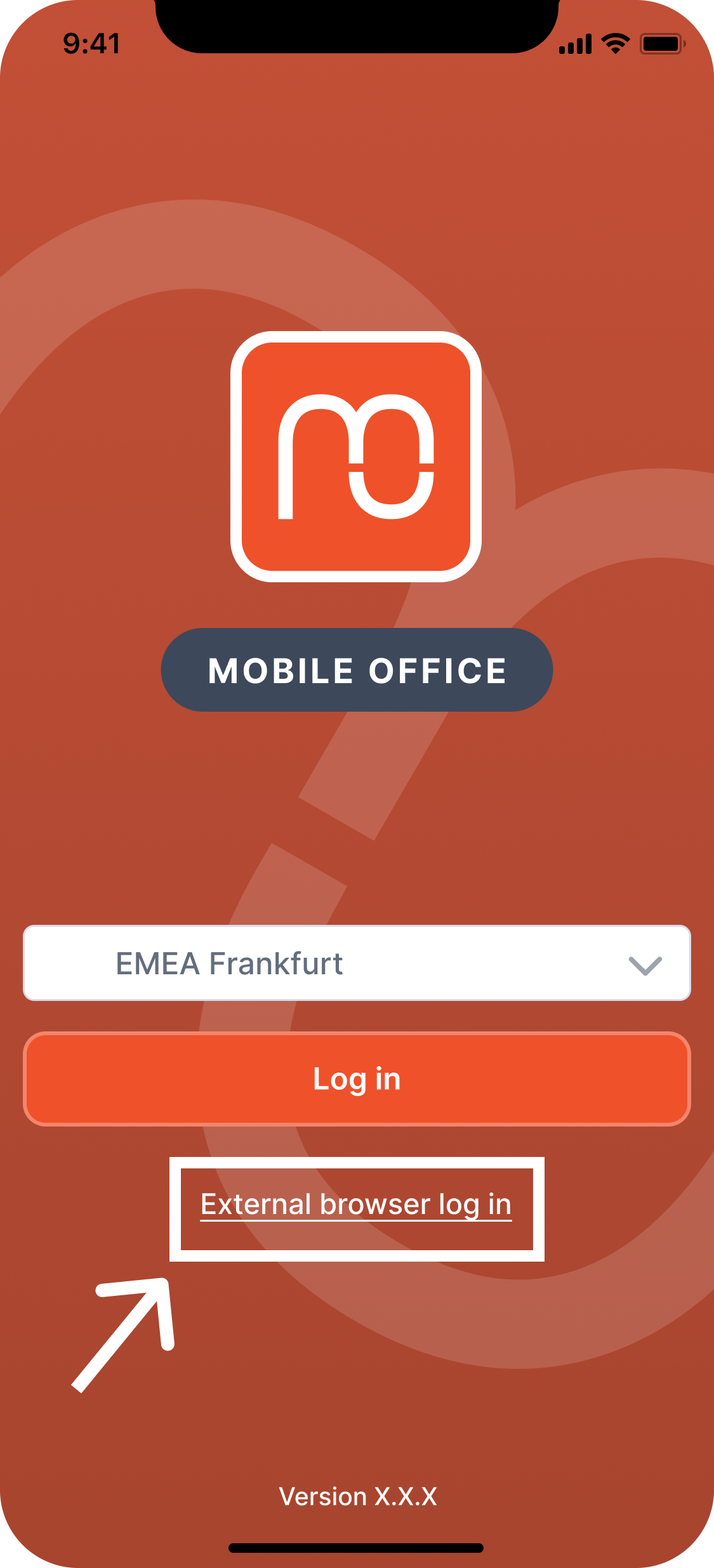
As a Mobile Office admin, there is nothing you need to activate. Users should click the "External browser login" option on their login screen instead of the default login button. This way, users will be redirected automatically to their default browser.