Ensure calls don't drop when a regular phone call comes in
When you're taking a call with Mobile Office for Genesys Cloud and a regular phone call comes in, you have the option to either take that voice call and end the Mobile Office call or to decline the incoming phone call.
In some cases, an incoming voice call might result in a dropped connection, automatically dropping the Mobile Office call due to connection lost. This is the case if you don't have VoLTE enabled on your phone.
Enable VoLTE in your phone settings#
If you have VoLTE disabled, an incoming regular phone call will reduce your network speeds. Enabling VoLTE mitigates this.
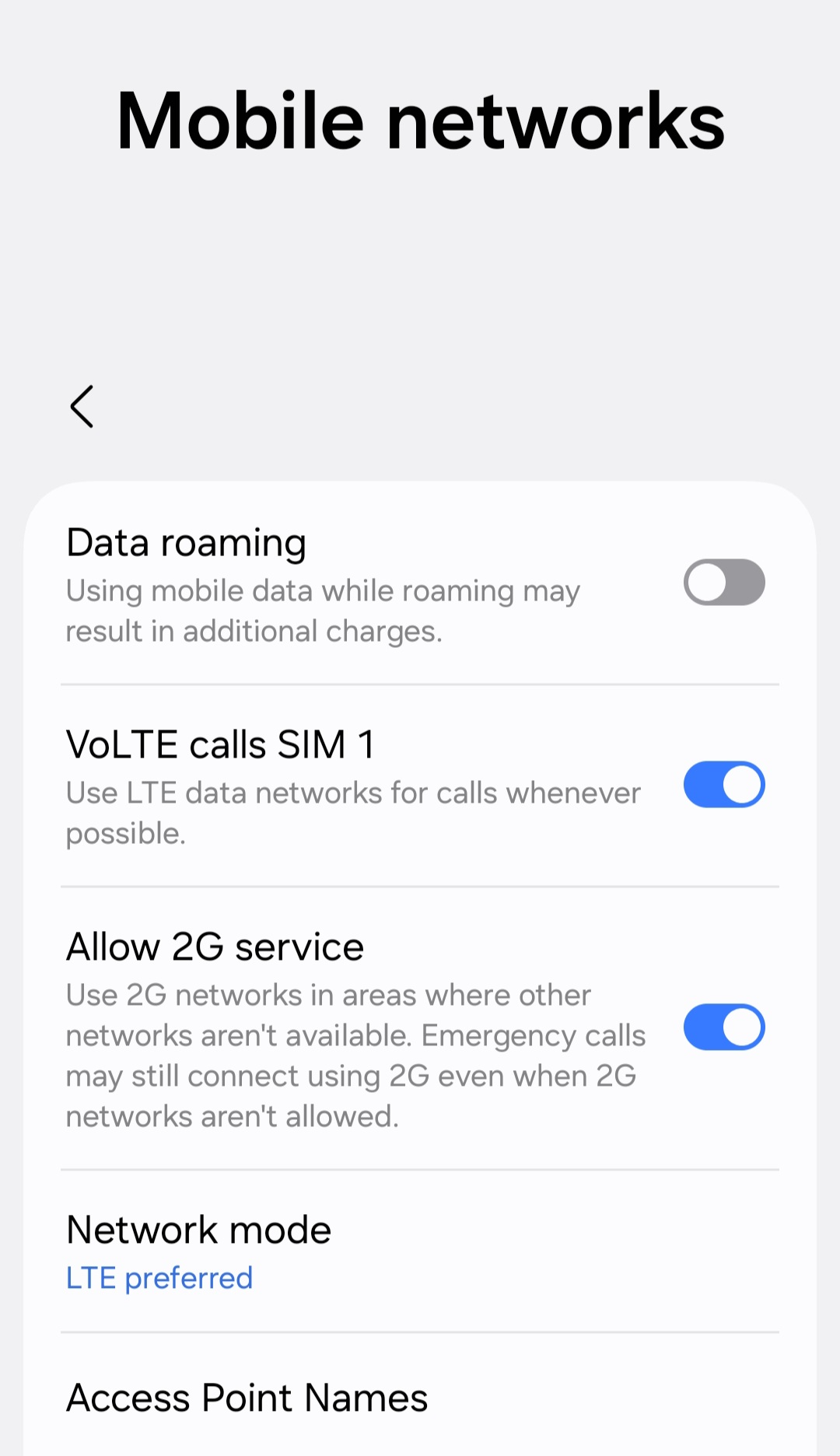
Android instructions#
Note: this exact flow depends on your device, we give an example here with a Samsung phone. If you're unsure, google "Setup VoLTE DEVICE NAME".
- Go to Settings > Connections
- Select "Mobile Networks"
- Enable VoLTE calls SIM1 (or SIM2 if that is what you use). Sometimes this is also called "4G calls SIM1".
- VoLTE should now work correctly
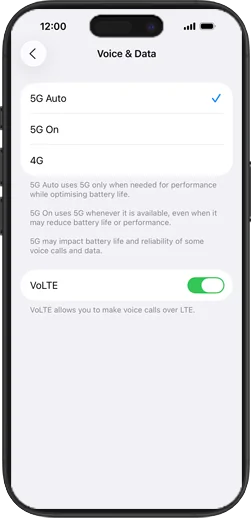
iOS instructions
Note: it could be that this setting is not shown, which means that it is either always activated by default for your carrier or not supported by your carrier. However, almost all carriers support this these days.
- Go to Settings > Mobile Service
- Select "Mobile Data Options"
- Select "Voice & Data"
- Enabled "VoLTE"
- VoLTE should now work correctly