
Tips
Functionalities
Updated:January 28, 2026
How to differentiate between desktop and mobile calls in your Genesys reporting?
Distinguishing between Desktop and Mobile calls#
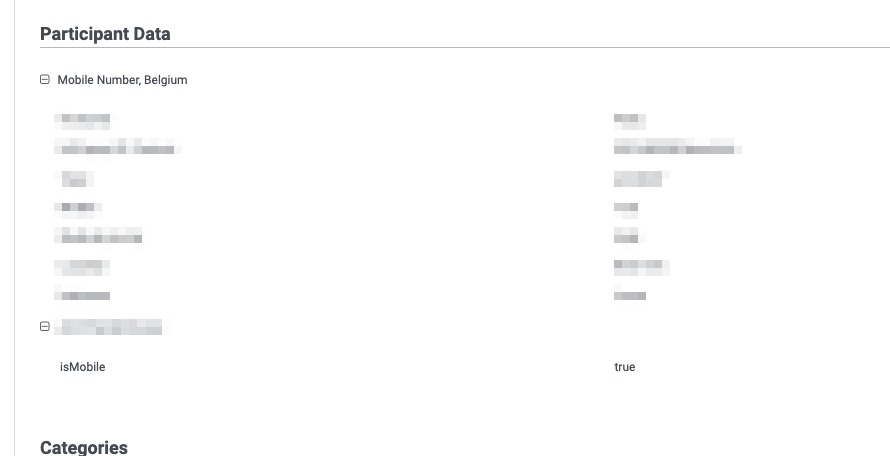
You can identify calls made via Mobile Office with the "isMobile = True" boolean added to the participant data of the interaction. This can then be used as a filter in your dashboard, analytics setup or for data actions.
When is the boolean added?#
The boolean is added as soon as a mobile user actively participates in the interaction. This means that rejecting or missing a call on mobile will not add the boolean, but participating in a conference via mobile will add the boolean.
How to use this boolean to setup actions for mobile only calls?#
You can use Genesys triggers and workflows in combination with this boolean to define actions that should only happen for mobile calls.
As an example, if you want to create or update Salesforce Voice call objects for mobile calls:
- Define a trigger (https://help.mypurecloud.com/articles/overview-of-triggers/). You can use the wrapup of the interaction which corresponds to v2.detail.events.conversation.{id}.wrapup
- In the architect workflow, use the 'IsMobile' participant data to distinguish only the calls made with Mobile Office
- Use the architect workflow to call the Salesforce REST API to do the actions that you want. See Salesforce's guide on this.