
Setting up secure flow
Mobile Office supports secure flow: during a voice conversation, you can send the customer to a secure IVR for further processing. When the process is complete, the client can be redirected back to Mobile Office.
Within our provisioning tool, 2 options exist:
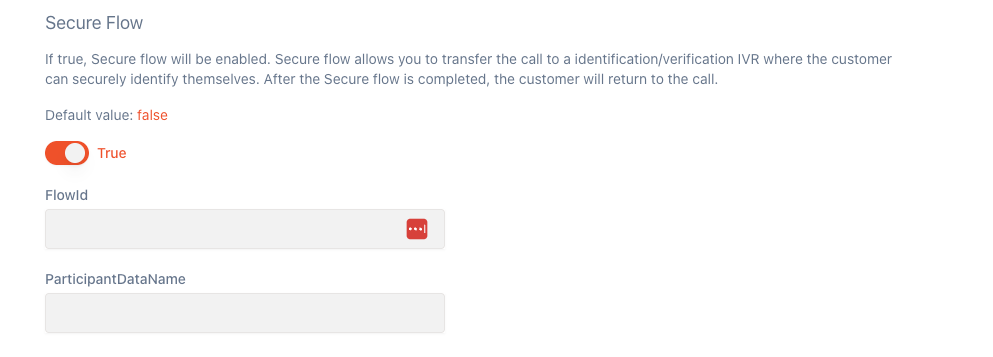
FlowId: a reference to the actual flow identifier in Genesys. This is the technical id, which you can see in the URL when you have the flow open. In the sample below, this would be the item in red underlined.

ParticipantDataName: when we invoke a flow, we pass 1 data to that flow. In architect, you can attach variables (participant data) onto a call via triggers or routing flows. In this field, you configure the name of the participant data you want to push into the flow.
Creating secure flows on Genesys side#
Within architect > Supporting Flows > Secure call, you can create a new call flow which would handle your specific logic.
More information in the below article