
Contacts Page
The Contacts Page in Mobile Office for Genesys gives you instant access to all your available contact directories — including internal team members, queues, and (if enabled) your personal or synced contacts.
1. Contacts#
To look for your contacts, use the search function based on on name, company etc.
Your Contacts are displayed and are labeled if they are from Genesys Cloud or Local Phonebook Contacts
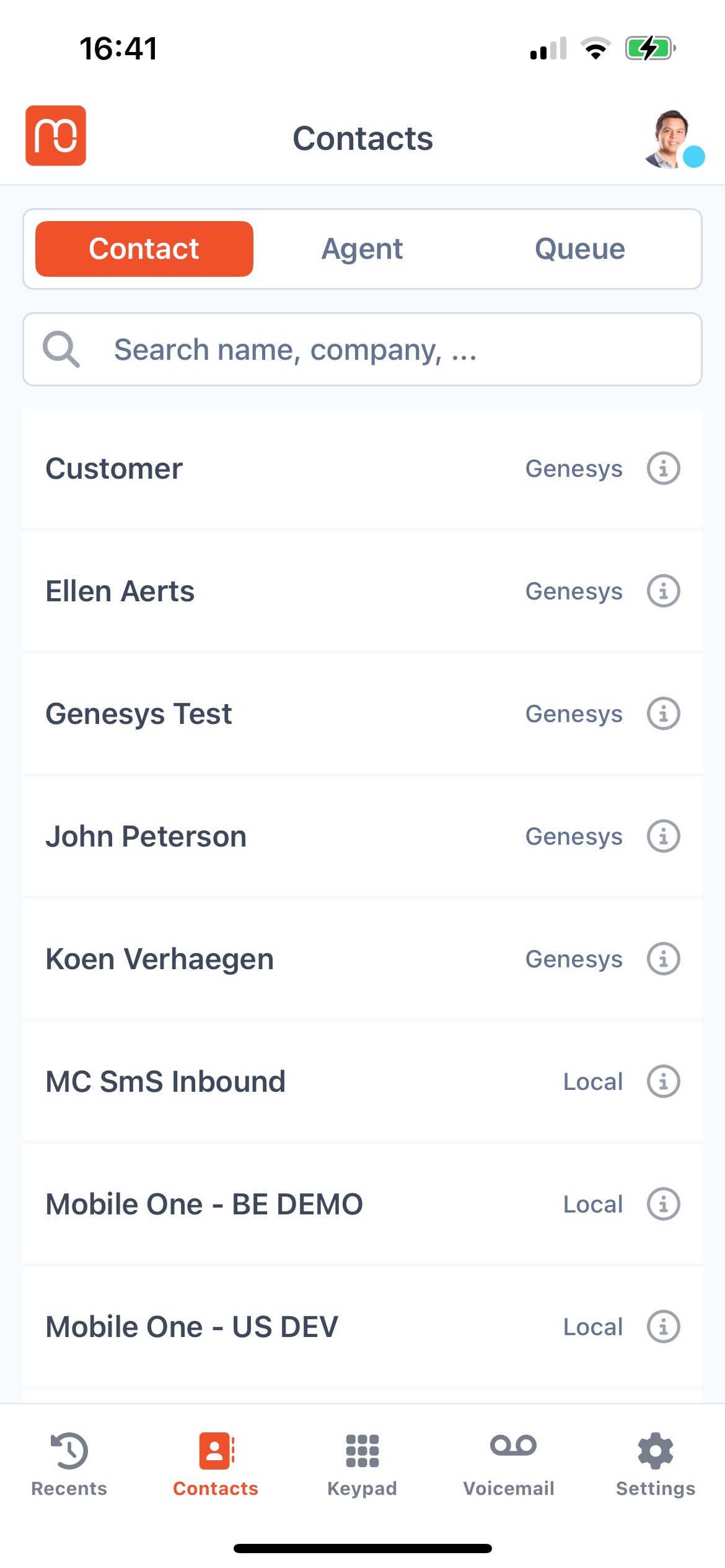
Tap the “Info ℹ” button to view contact details and information including Notes, and Interactions
2. Agent#
To look for Agents, use the search function based on on name, company etc.
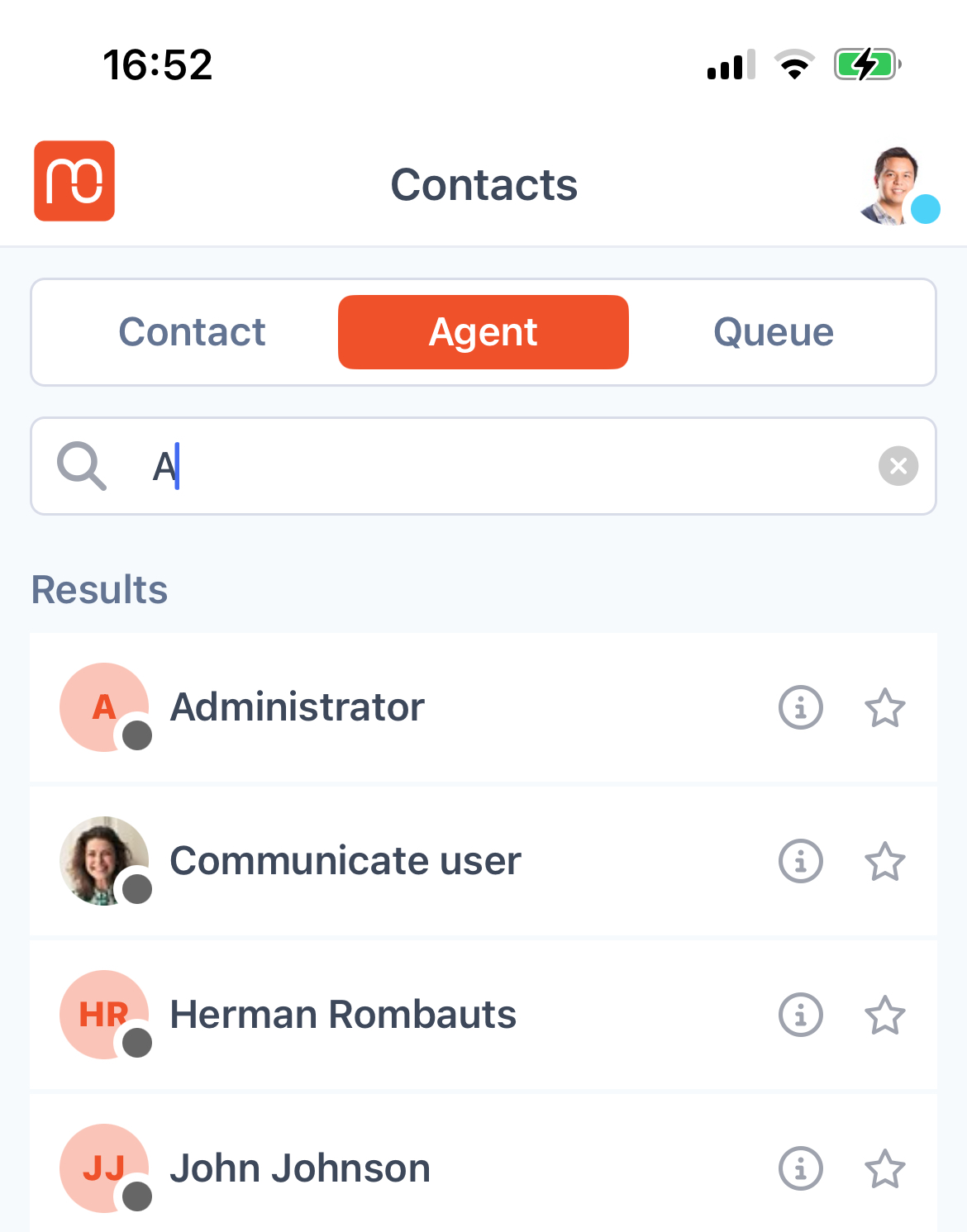
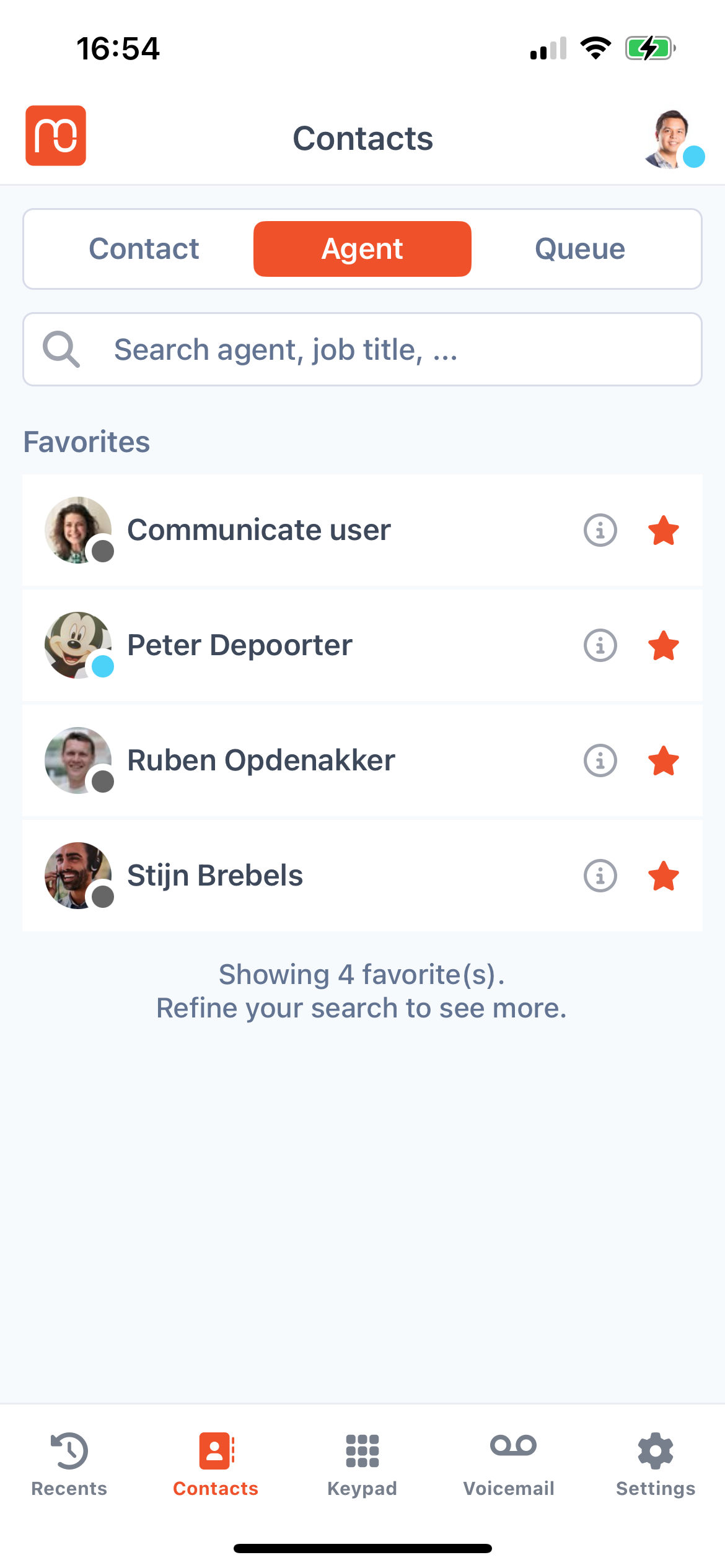
Tip: If you frequently interact with specific agents, find the agent and tap the star to mark as your favorite to bookmark
3. Queue#
To look for queues, use the search function and type in the name and the application will display the list
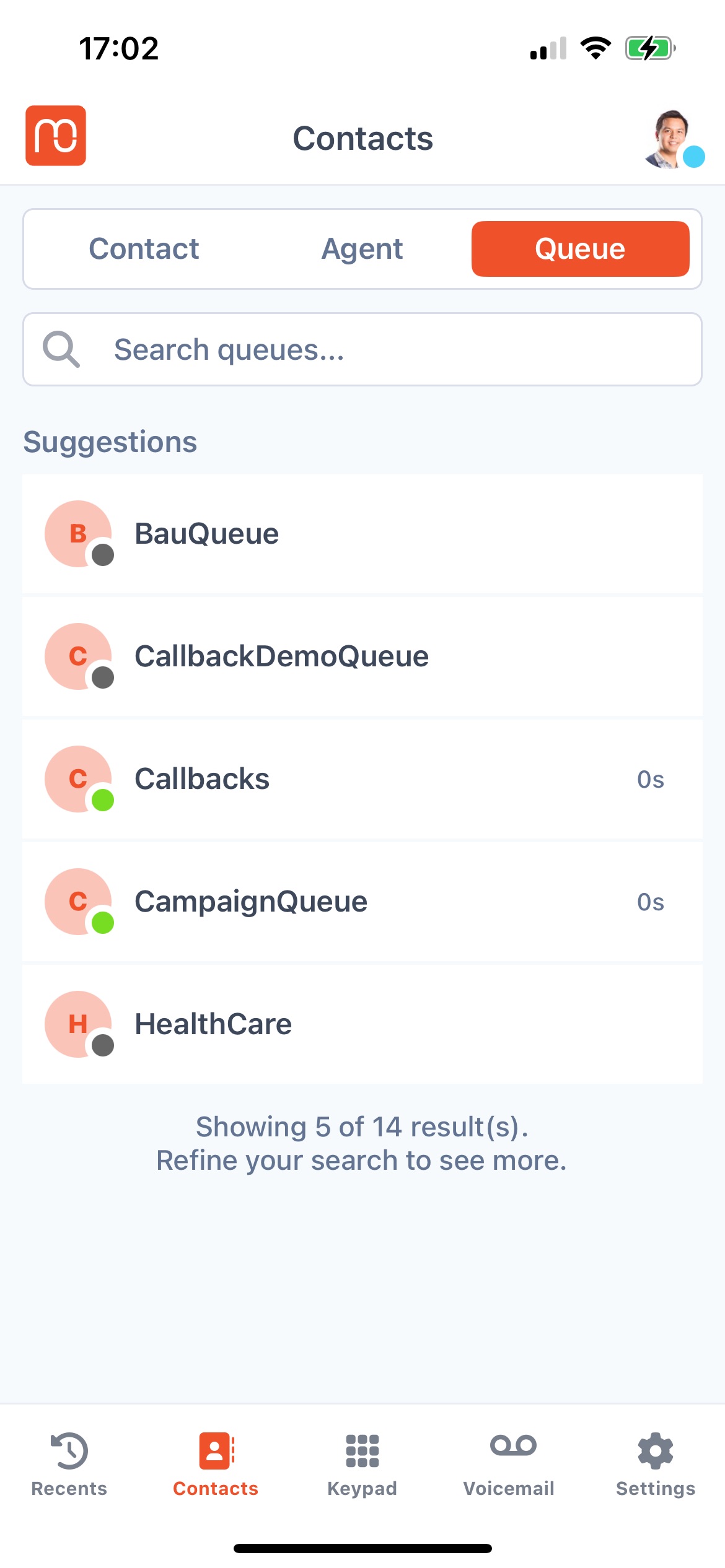
Tip: You'll also be able to see if there wait times for the specific queue as the time is displayed.
3. Making outbound Calls from the Contacts Page#
While on the Contacts page, you can easily initiate outbound calls through multiple tabs:
- Contacts – Call your saved contacts directly.
- Agents – Reach out to colleagues or team members.
- Queues – Make calls using the appropriate queue settings.
Simply tap on a contact within any of these tabs to start your outbound call.