Getting Started
Updated:July 8, 2026
How to ensure call notifications work properly on Android?
Android devices from manufacturers like Samsung, OPPO, and others use battery optimization features that may inadvertently block call notifications. To ensure you receive all call notifications, please change the following settings in your android device settings.
The below example is for a Samsung phone and might differ slightly for other manufacturers. For OPPO phones, click here.
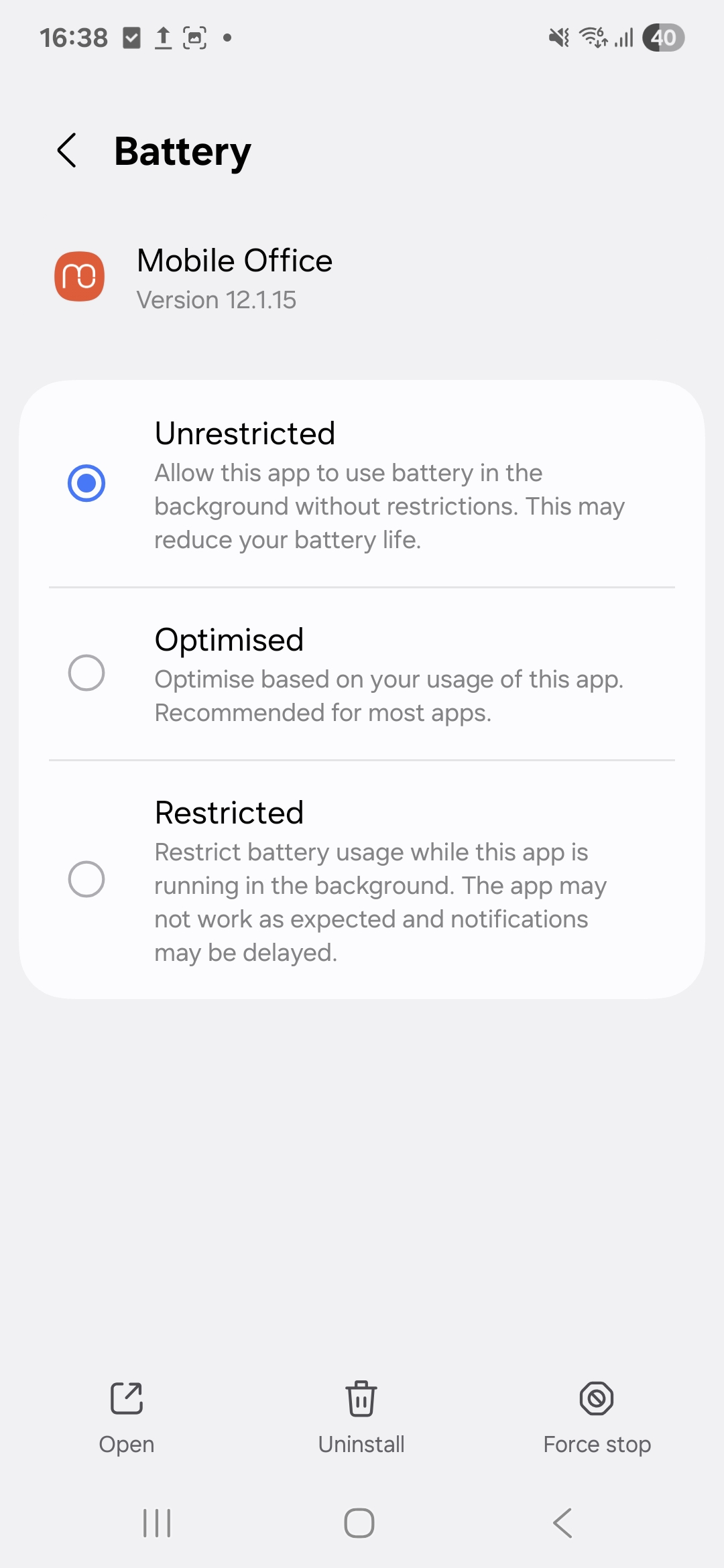
Battery optimization: unrestricted#
- Open your device
- Navigate to Settings > Apps -> Mobile Office -> Battery
- Find Mobile Office in the list and set it to “Unrestricted”
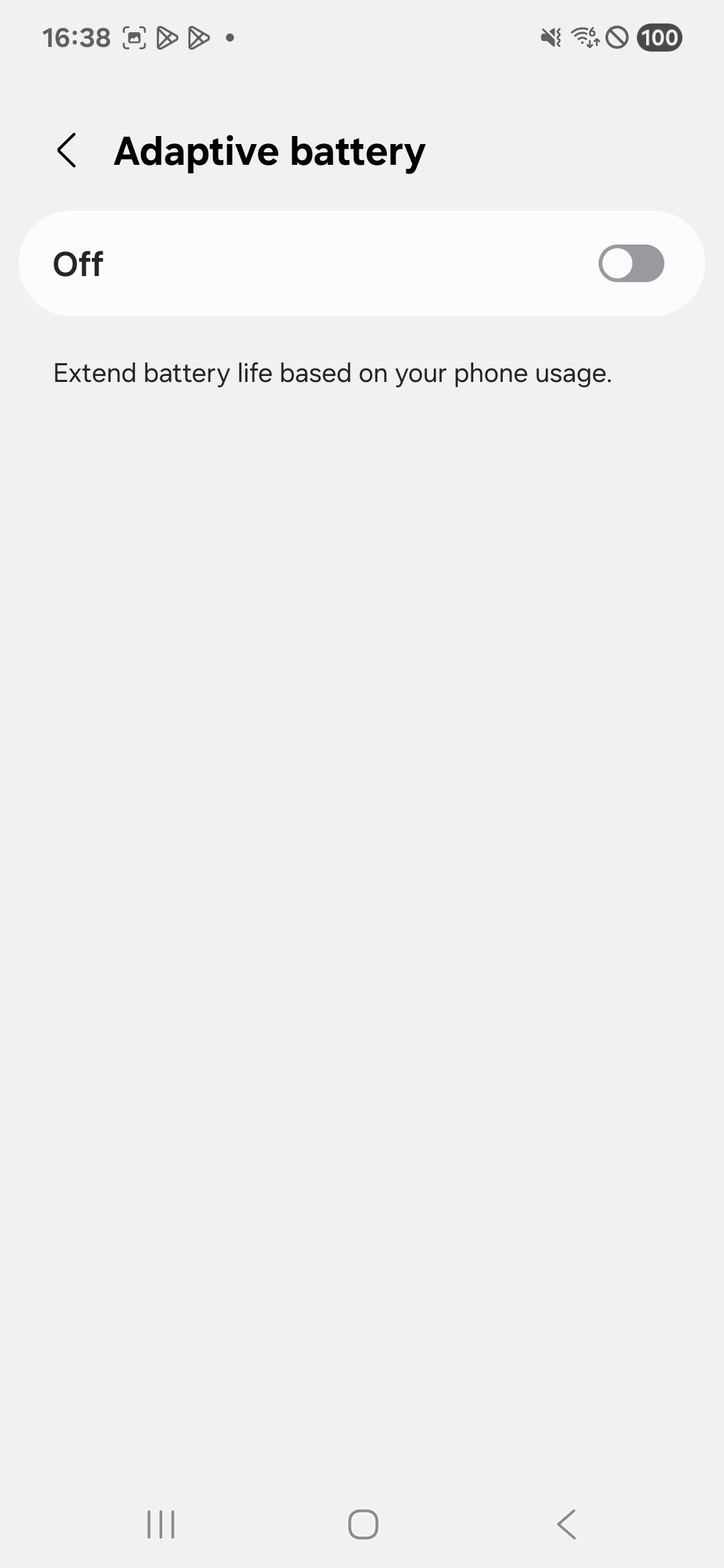
Adaptive battery: off#
- Open your device
- Navigate to Battery -> Background usage limits
- Tap the more button at the top
- Tap adaptive battery
- Switch adaptive battery off